인기 검색 계정






























Samsung(@samsung) 인스타그램 상세 프로필 분석: 팔로워 2,719,009, 참여율 0.03%

@samsung
인증됨 비즈니스Samsung
Innovation for all What we do👇 @samsungmobile @samsungtv @samsung_bespoke @samsungsemiconductor
http://account.samsung.com/@samsung님과 연관된 프로필

amd

poco.global

xiaomi.global

snapdragonofficial

vivo_global

meta

alienware

samsungtv

nvidiaai

sonyxperia

amd.ryzen.radeon






































@samsung 계정 통계 차트
게시물 타입 분포
시간대별 활동 분석 (최근 게시물 기준)
@samsung 최근 게시물 상세 분석
이미지 게시물 분석
동영상 게시물 분석
@samsung 최근 게시물
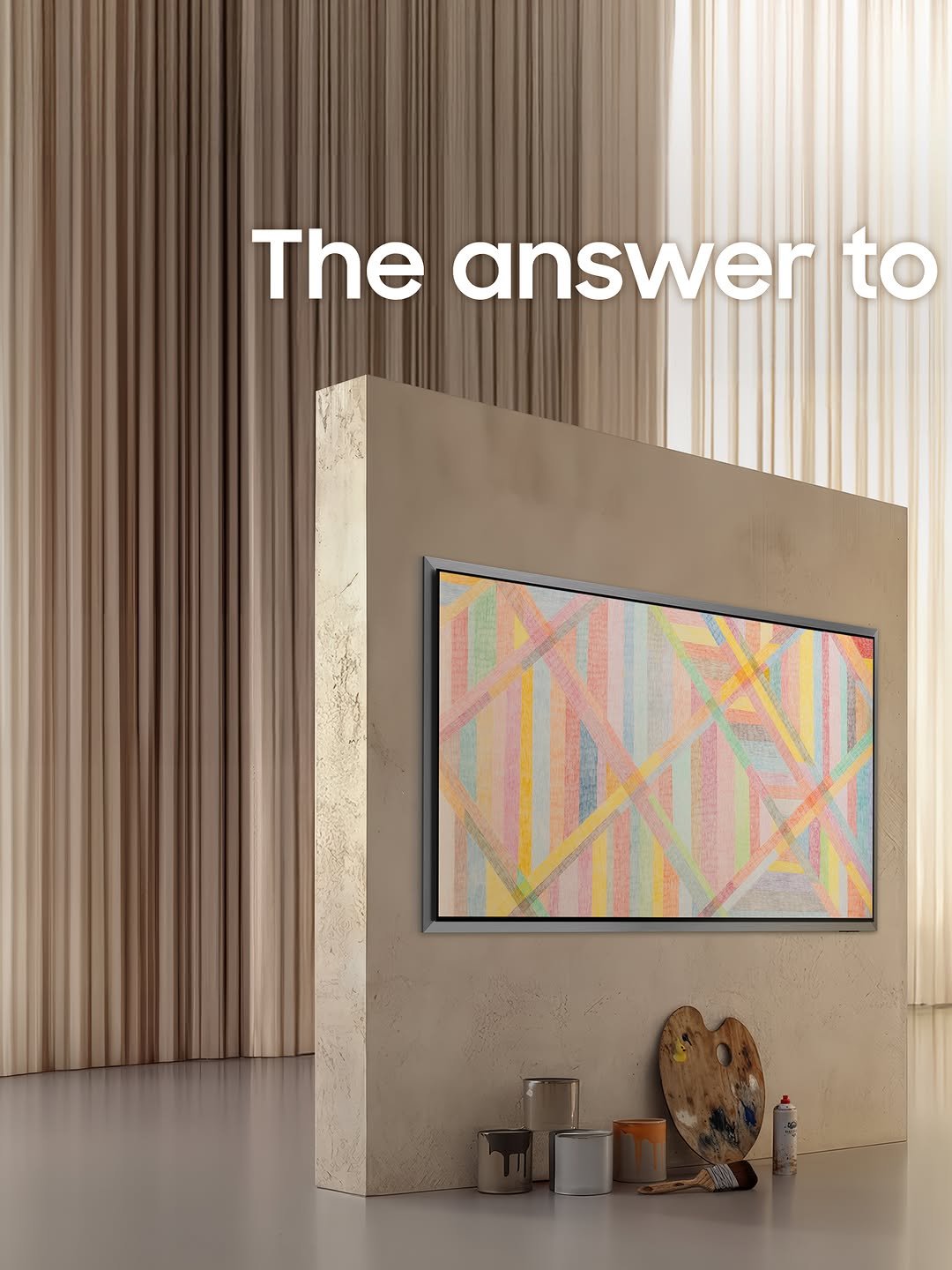
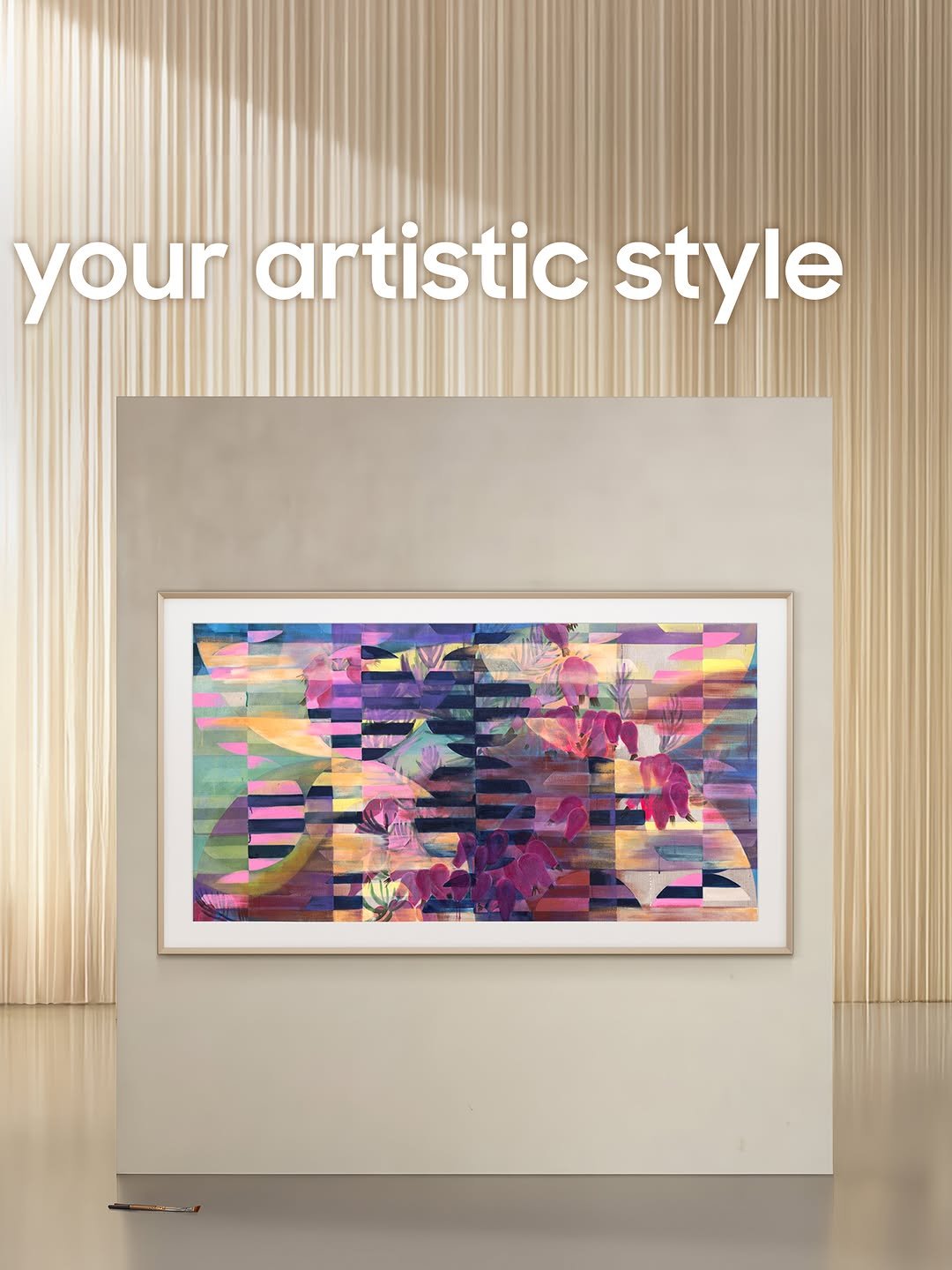
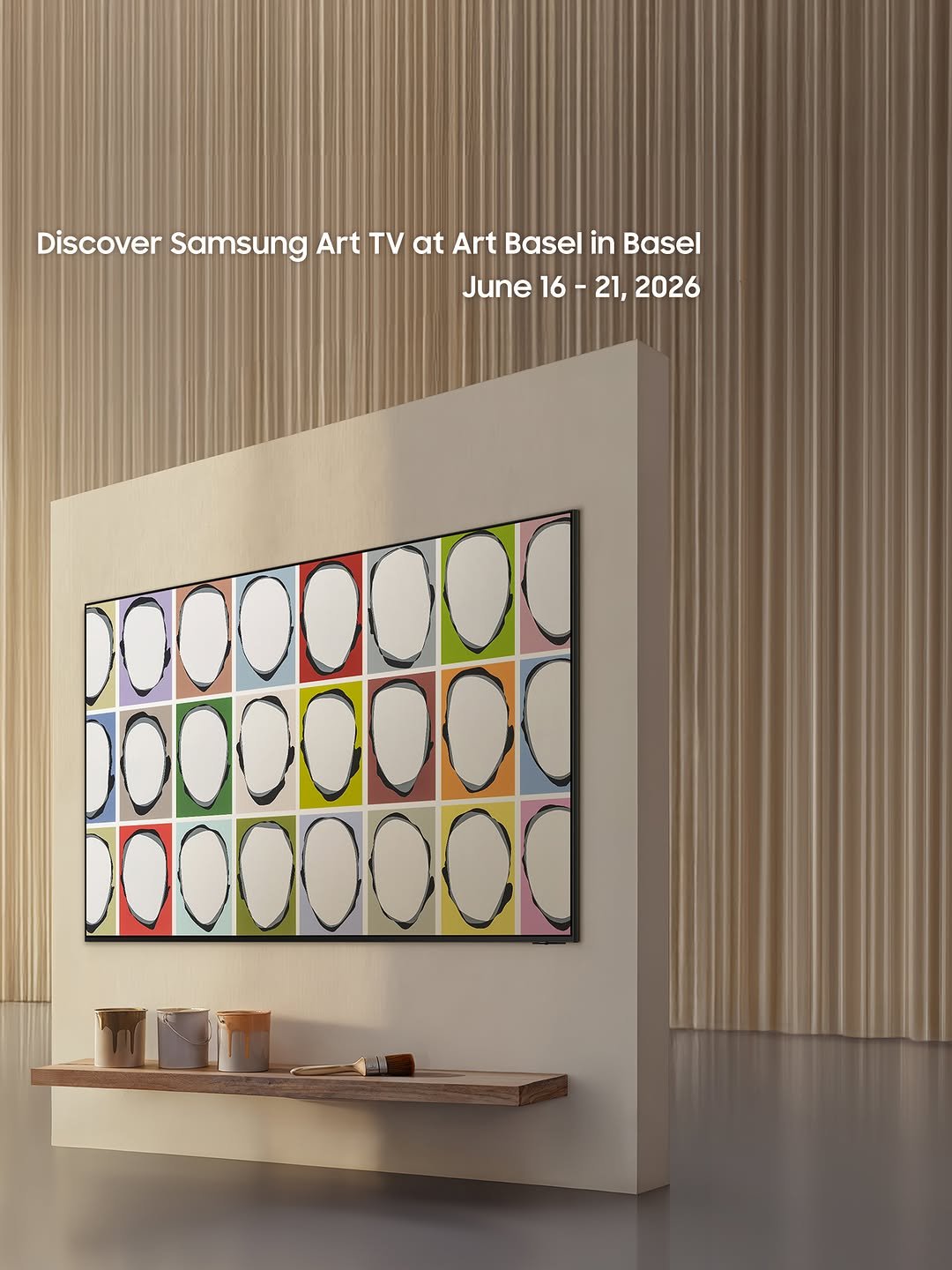
@artbasel in Basel has arrived! Discover your artistic style through #SamsungArtTV. Transform your living space into a gallery centered on a masterpiece, where every texture and detail comes to life. Explore the #SamsungArtStore and curate a view that reflects your world. #DesignTV
@artbasel in Basel has arrived! Discover your artistic style through #SamsungArtTV. Transform your living space into a gallery centered on a masterpiece, where every texture and detail comes to life. Explore the #SamsungArtStore and curate a view that reflects your world. #DesignTV
@artbasel in Basel has arrived! Discover your artistic style through #SamsungArtTV. Transform your living space into a gallery centered on a masterpiece, where every texture and detail comes to life. Explore the #SamsungArtStore and curate a view that reflects your world. #DesignTV
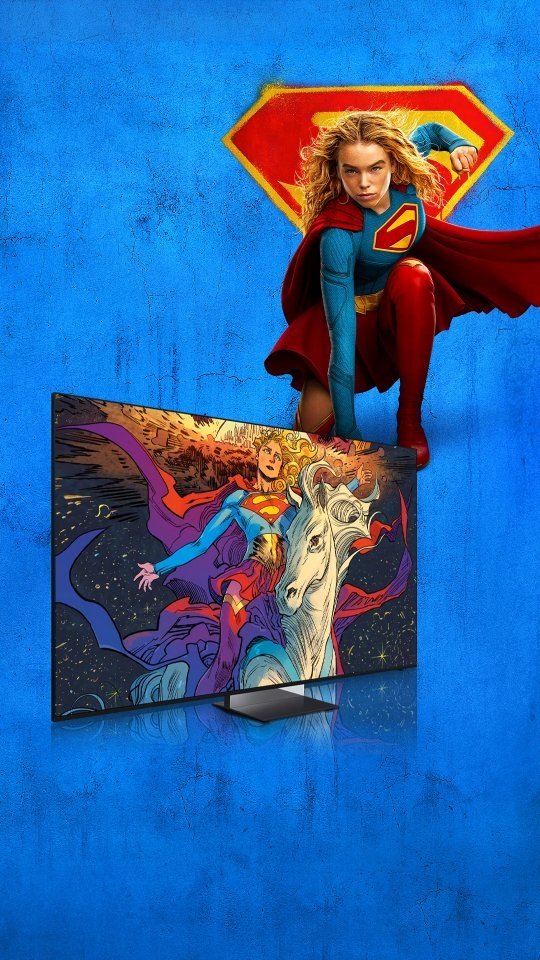
Discover the world of Supergirl on Samsung Art Store. Created in partnership with Warner Bros., this special collection transforms your screen with striking artwork inspired by the world's beloved hero. Experience iconic moments through extraordinary color and detail. #Supergirl #MicroRGB #OLED #TheFrame #SamsungArtTV
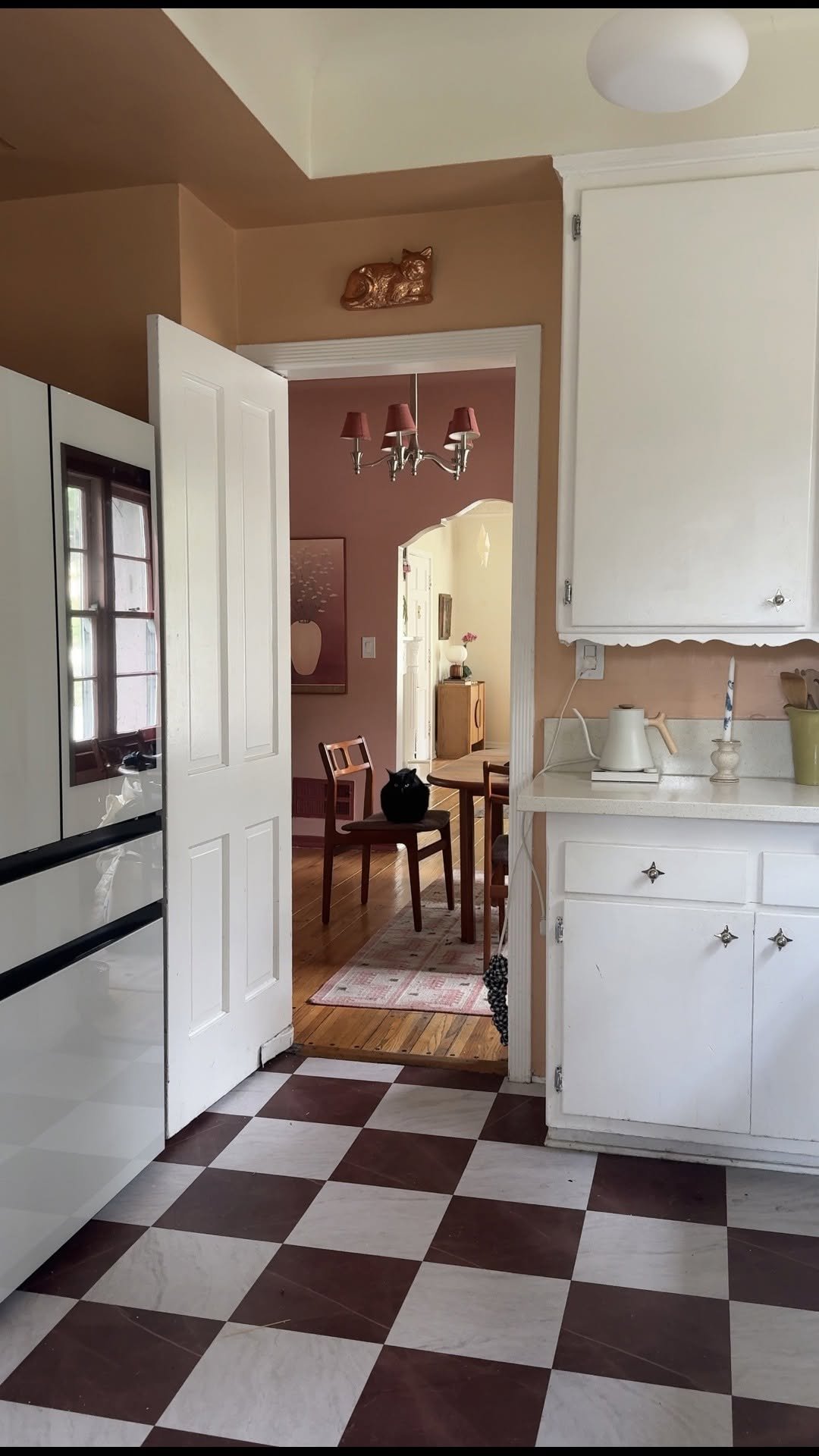
Who else is team vintage character, but updated appliances?! I’ve always loved @samsung @samsung_bespoke refrigerators, but as a renter it felt like one of those things that was just… out of reach. As I’m turning 30 and after almost four years in this apartment I figured, why not just ask my landlord if I can do it (and I’m so glad I did)!! It’s one of those upgrades that’s not just about how it looks, but how much more the space actually works for me day to day. #ad #BespokeAIRefrigerator #BespokeAIFamilyHub #BespokeAI #Samsung
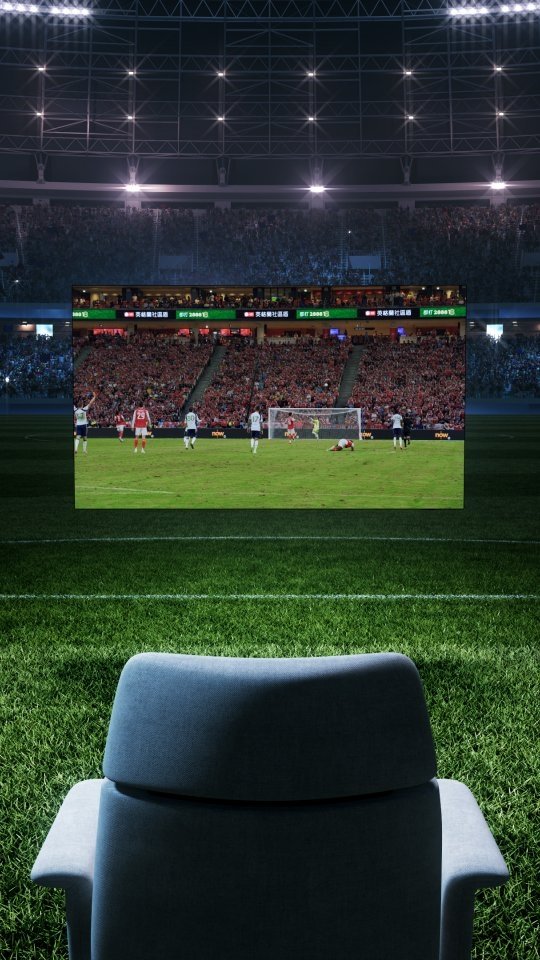
AI Soccer Mode Pro, AI Motion Enhancer Pro and Vision AI Companion make every game feel even more extraordinary, delivering Samsung's best soccer-viewing experience. Bring the game home with AI Soccer Mode Pro. #SamsungVisionAI #SamsungTV

#SamsungArtTV through an artist’s eyes. 👀 Curious about @danielarsham 's pick? 🎨💡 Guess his favorite and drop your own emoji below! 💬 #DanielArsham #DesignTV #SamsungArtStore
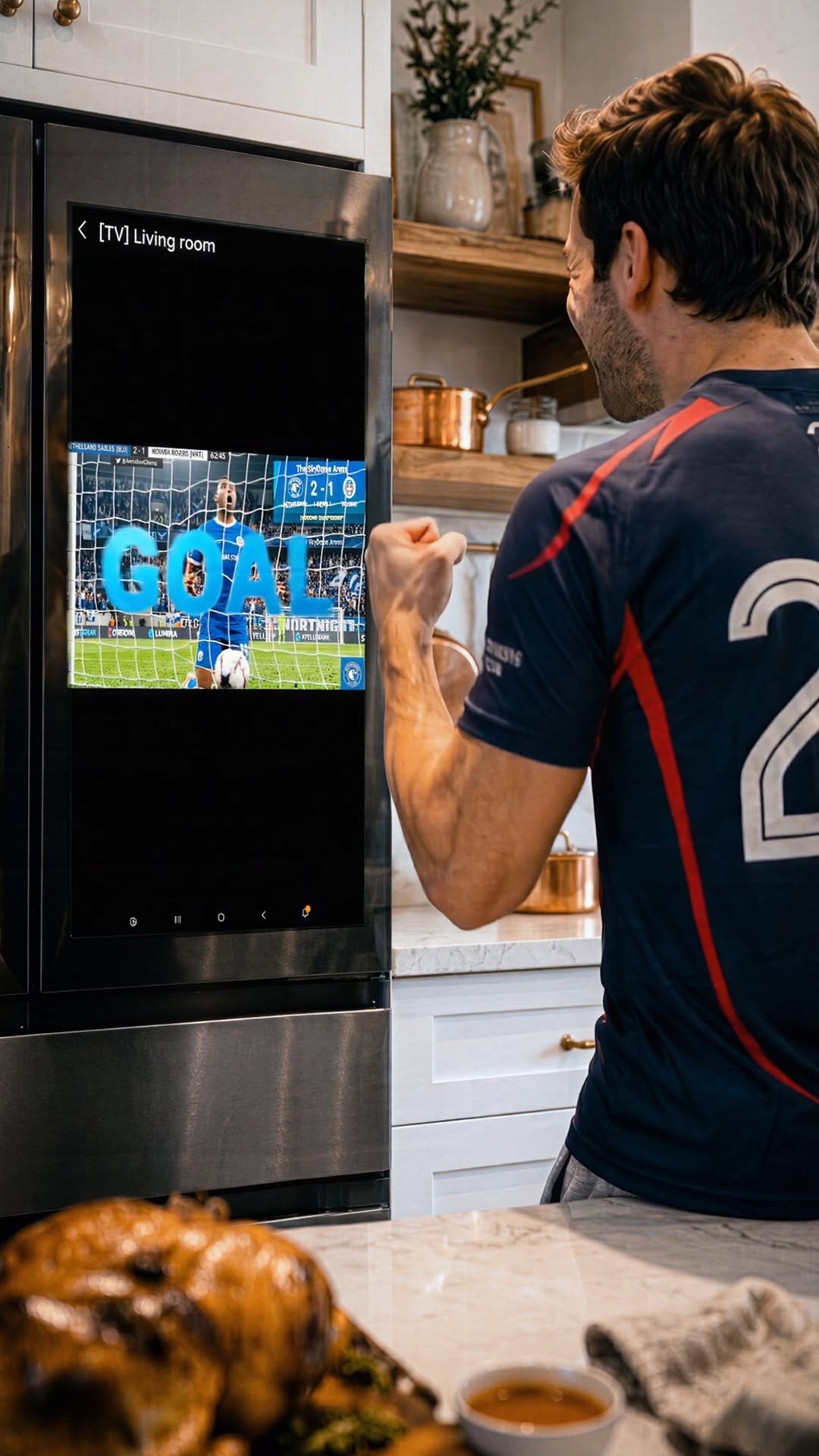
Deliver a stadium experience through a 32” large screen, check real-time scores and seamlessly watch the games while cooking. #FamilyHub #SmartRefrigerator #BigScreen #BespokeAI #Samsung

Who knew a snowball could be this cozy? 🦭🧊 Our sleepy baby harp seal refuses to let go of the perfect chill! Keep your favorite drinks cold without diluting the flavor. Bespoke AI refrigerator delivers crystal-clear, slow-melting Sphere Ice that preserves your beverage’s rich taste from the first sip to the last. ✨ Why Samsung Sphere Ice? - Auto-crafted: Great round ice, ready on demand. - Slower Melting: Dense, hard ice for a long-lasting chill. 📺 Spot our Sphere Ice in action on the hit tvN K-drama, 'See You at Work Tomorrow' (내일도출근)! #BespokeAIRefrigerator #SphereIce #SeeYouatWorkTomorrow #BespokeAI #Samsung

Look who’s rolling into the chill zone! 🐧🧊 This little penguin knows the secret to a perfect drink. Upgrade your home beverages with Samsung Sphere Ice. Skip the messy molds and get greatly round, slow-melting ice straight from your refrigerator. ✨ Why Samsung Sphere Ice? - Auto-crafted: Great round ice, ready on demand. - Slower Melting: Dense, hard ice for a long-lasting chill. 📺 Spot our Sphere Ice in action on the hit tvN K-drama, 'See You at Work Tomorrow' (내일도출근)! #BespokeAIRefrigerator #SphereIce #SeeYouatWorkTomorrow #BespokeAI #Samsung
What does it take to stay at the absolute top? For 7 years running, Samsung Odyssey has been the global no.1 gaming monitor brand - delivering unmatched pixel detail, infinite immersion, and game-winning speeds. #Odyssey #SamsungMonitor
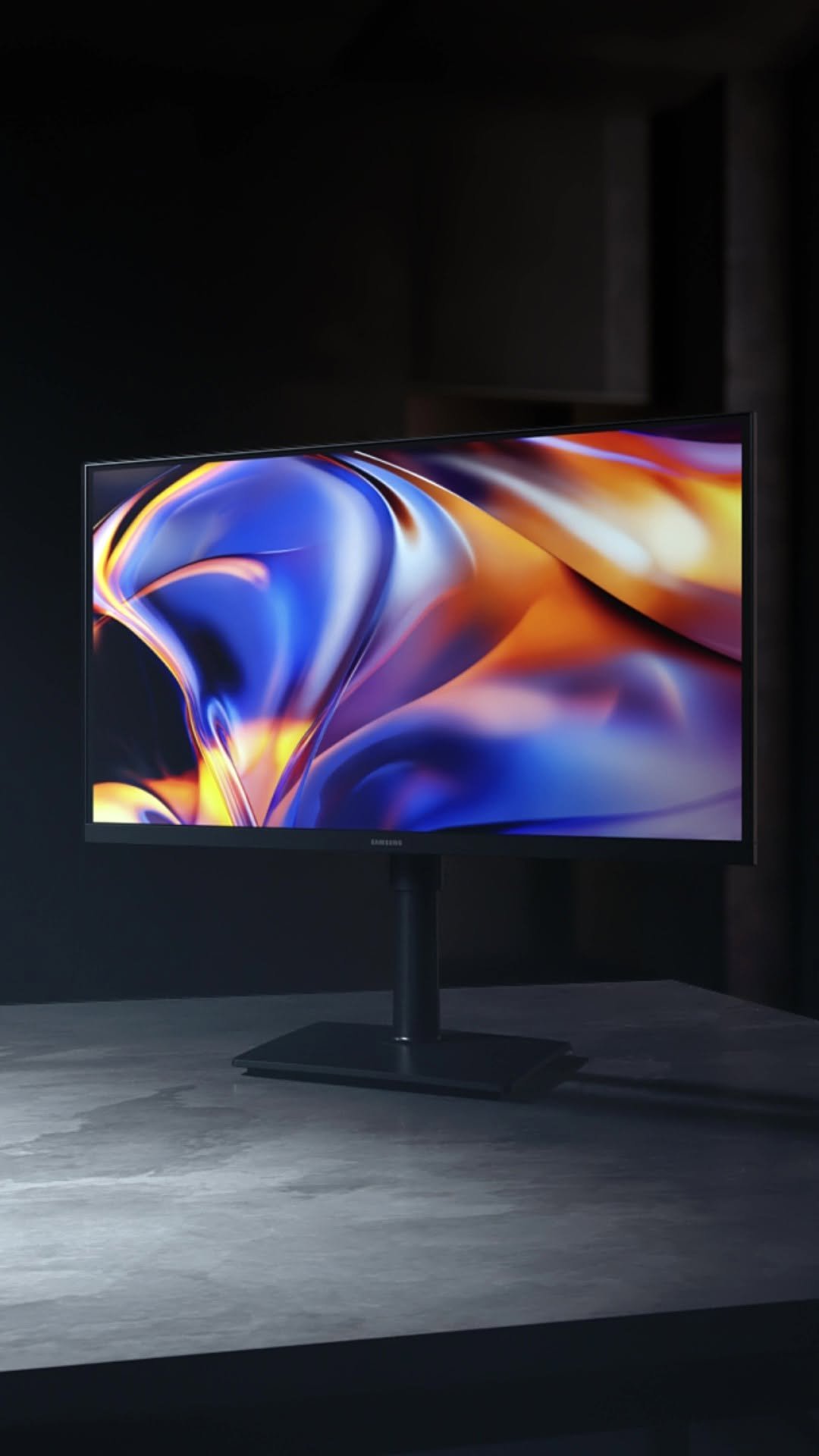
Meet the new Samsung ViewFinity S8 monitors – designed for creators who demand performance and pursue passion. #HighResolutionMonitor #ViewFinity #SamsungMonitor