인기 검색 계정






























WhatsApp for Business(@whatsappforbusiness) 인스타그램 상세 프로필 분석: 팔로워 649,079, 참여율 0.16%

@whatsappforbusiness
인증됨 비즈니스WhatsApp for Business
A better way to do business.
https://go.fb.me/WABapp@whatsappforbusiness님과 연관된 프로필

kia_sg

vanguard_au

mountaindewaustralia

nescafetr

sellonamazon

stripehq

icim

metaopensource

wati_io

audialnabooda

samsungee




























@whatsappforbusiness 계정 통계 차트
게시물 타입 분포
시간대별 활동 분석 (최근 게시물 기준)
@whatsappforbusiness 최근 게시물 상세 분석
이미지 게시물 분석
동영상 게시물 분석
여러 장 게시물 분석
@whatsappforbusiness 최근 게시물

SAVE this reel if you have just downloaded the WhatsApp Business app and you don’t know where to start. Start here 👇 Step 1: Set up your WhatsApp Business profile. 👤Your WhatsApp Business profile lets customers know more about your business. Make sure you add all the important details you don’t want them to miss — like your store address, website and hours of operation. 1️⃣ Open the WhatsApp Business App 2️⃣ Edit Your Business Profile 3️⃣ Add a Profile Picture & Cover Photo Check out more WhatsApp features & best practices for free - 🔗 in bio.
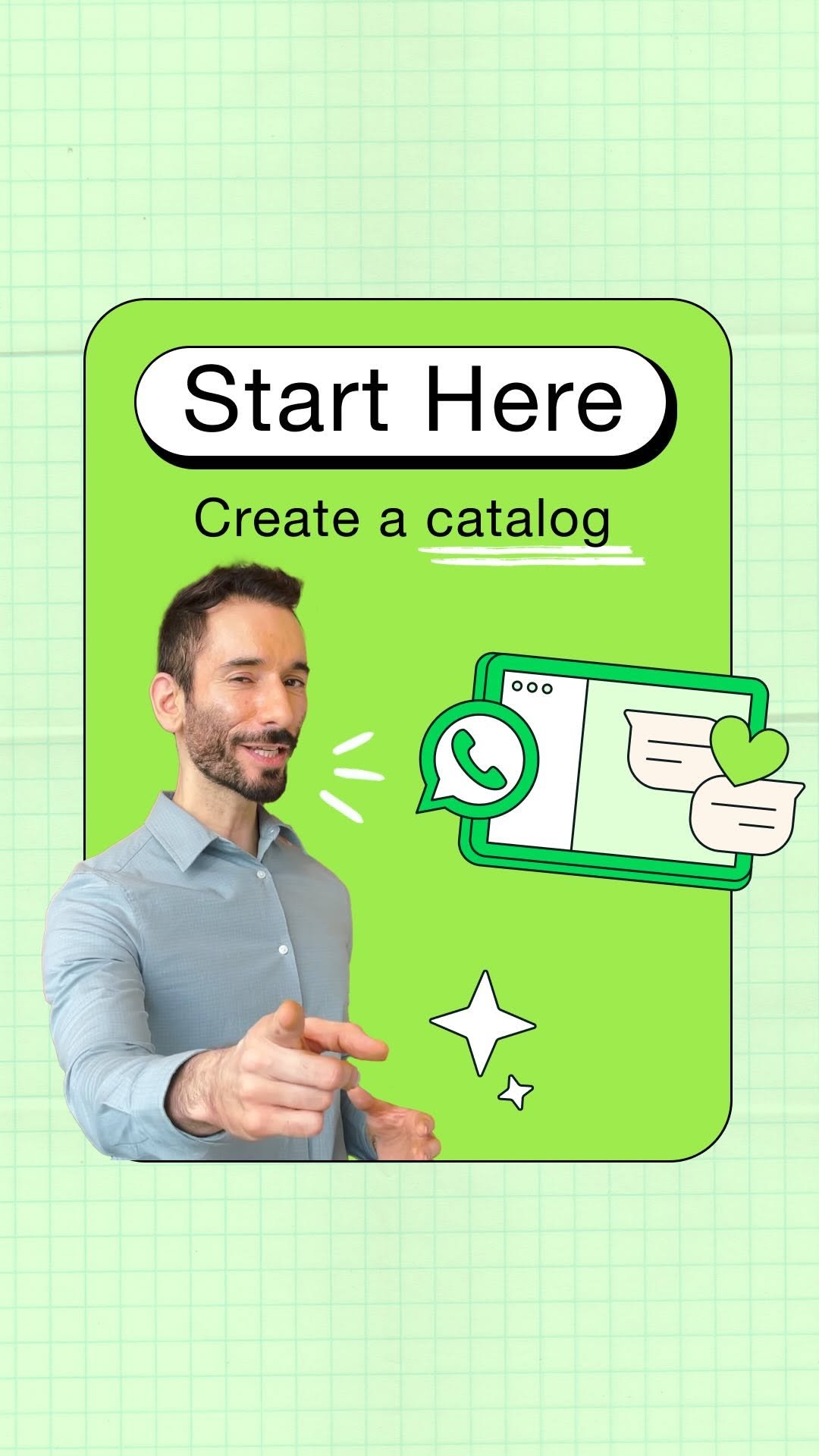
You’ve set up your WhatsApp Business profile so customers know all the important details you don’t want them to miss. Next up: creating a catalog👇 Catalogs make it easy for customers to see what you offer and find something to buy. 📌 Pro tips: 1️⃣ Save this reel to create a catalog that drives sales. 2️⃣ Boost your sales by promoting your catalog with a Facebook or Instagram ad that clicks to start a WhatsApp chat. Check out more WhatsApp features & best practices for free - 🔗 in bio.

✅ You’ve set up your WhatsApp Business profile so customers can find you. You’ve created a catalog so they can shop your products. Next step: Use these tools to help you quickly and efficiently connect with your customers, save time and stay organized. All with a few simple clicks 🫰 Check out more WhatsApp Business features and best practices for free - 🔗 in bio.

Over 1,000 people. Multiple time zones. One mission. During the race season, the Mercedes-AMG PETRONAS Formula 1 Team team is spread across the world from Brackley HQ to the pit wall and everywhere in between. So how does Team Principal and CEO Toto Wolff keep everyone in sync when the margin between winning and losing is measured in milliseconds? Clarity over chaos, and a WhatsApp group that never sleeps. 🏎️ @mercedesamgf1
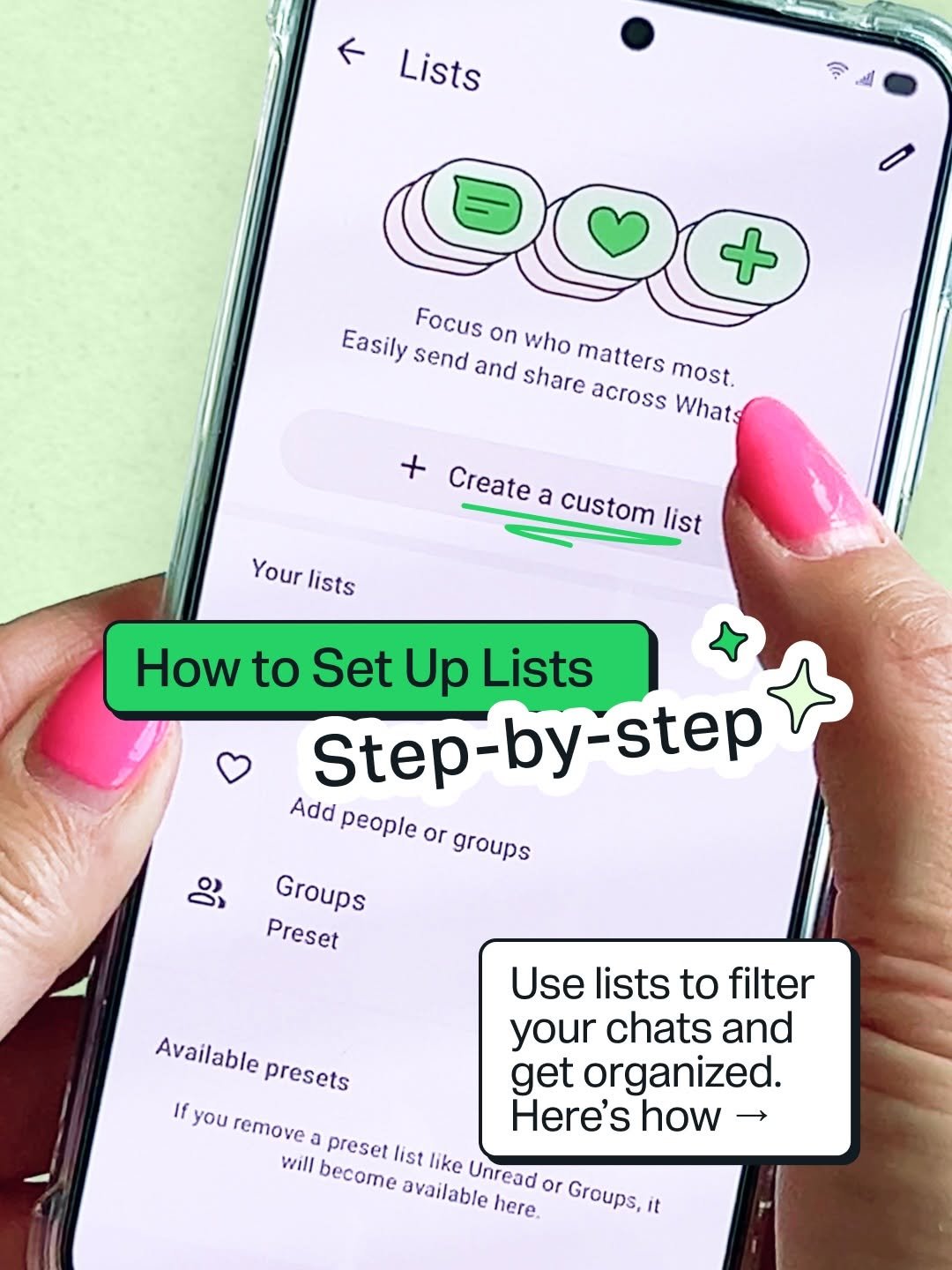
Tired of losing track of important customer chats? Use lists to help you organize conversations with customizable filters, like “New Customers” or “Pending Payments.” 📋 Here’s how to create lists in just a few simple steps.

Which one are you? 👀 Comment below with your match. 🔮 Don’t see your favorite? Stay tuned for Part 2.
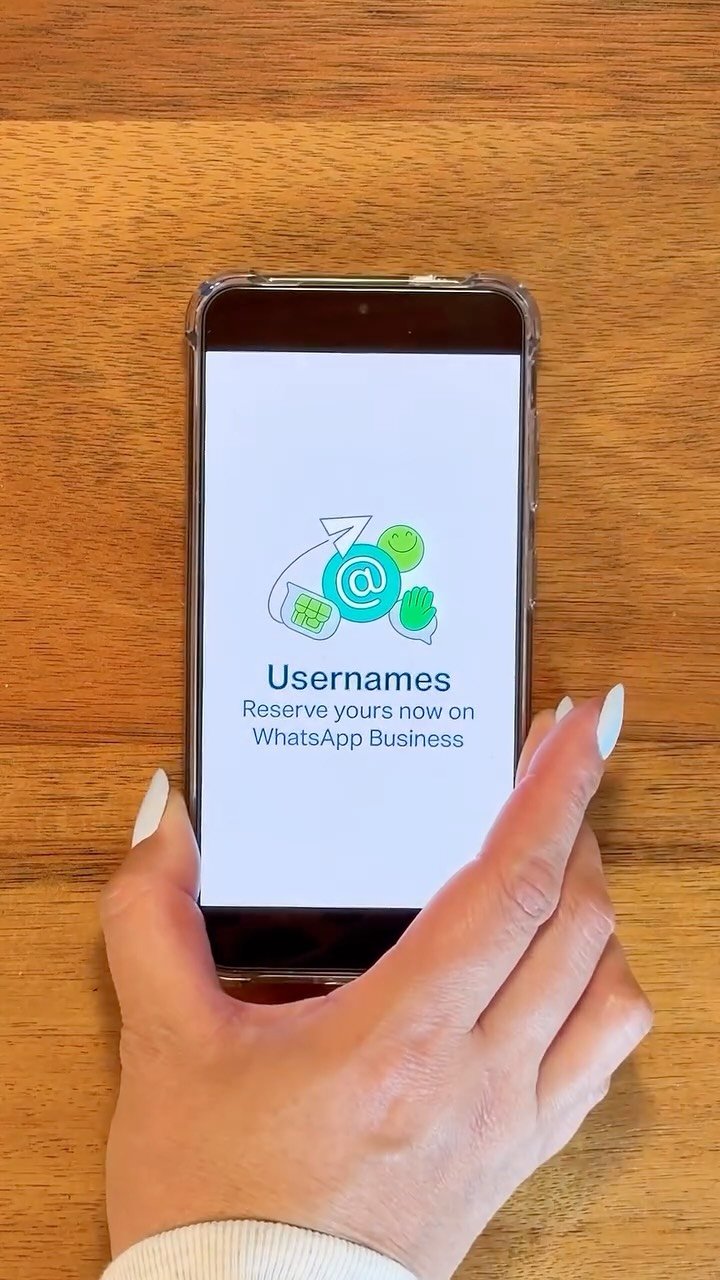
Introducing usernames: an easier way for customers to find and connect with you on WhatsApp Business. ❇️ Make sure you have the latest version of WhatsApp Business to access and reserve your business’s username now. 🔗 Link in bio for more info.

Today we recognize micro, small, and medium enterprises around the world. 🌎 Share this with a fellow business owner or save it as a reminder to celebrate all that you do. 🎉 #MSMEDay2026

@atelieagnesrasta serves many clients, but one conversation stands out. 💬 Through messaging on WhatsApp Business, this studio owner didn’t just take an order, she built a relationship. When her customer sent a heartfelt note, it became a moment she won’t forget. Watch her story. 💚

With away messages, you can take your time. 😊

During the big football tournament, business can get busy with a rush of new orders. For @pinatalabdalealoincreible, efficiency is key, which is why they use quick replies to save time. ⚡ Learn how to set yours up so you can keep up with orders and enjoy the matches, too. ⚽

Success comes in many forms. 😂