인기 검색 계정






























ChatGPT(@ChatGPT) 인스타그램 상세 프로필 분석: 팔로워 6,323,186, 참여율 12.17%

@ChatGPT님과 연관된 프로필
연관 프로필이 없습니다
이 계정에 대한 연관 프로필 정보를 찾을 수 없습니다
@ChatGPT 계정 통계 차트
게시물 타입 분포
시간대별 활동 분석 (최근 게시물 기준)
@ChatGPT 최근 게시물 상세 분석
이미지 게시물 분석
동영상 게시물 분석
여러 장 게시물 분석
@ChatGPT 최근 게시물

Tenía curiosidad por verlo y pensé que iba a ser más complicado. Al final fue mucho más fácil de lo que imaginaba Me hizo reír cuando vi el resultado. ¿Qué dicen, debería hacerlo? I was curious to see it and thought it would be more complicated. In the end, it was much easier than I expected It made me laugh when I saw the result. What do you think, should I do it? Upload your photo then copy and paste this prompt: “Make my hair the colors of my country flag but keep it natural-looking. If no country or image is provided, ask. #MessiMode #ChatGPT #Ad
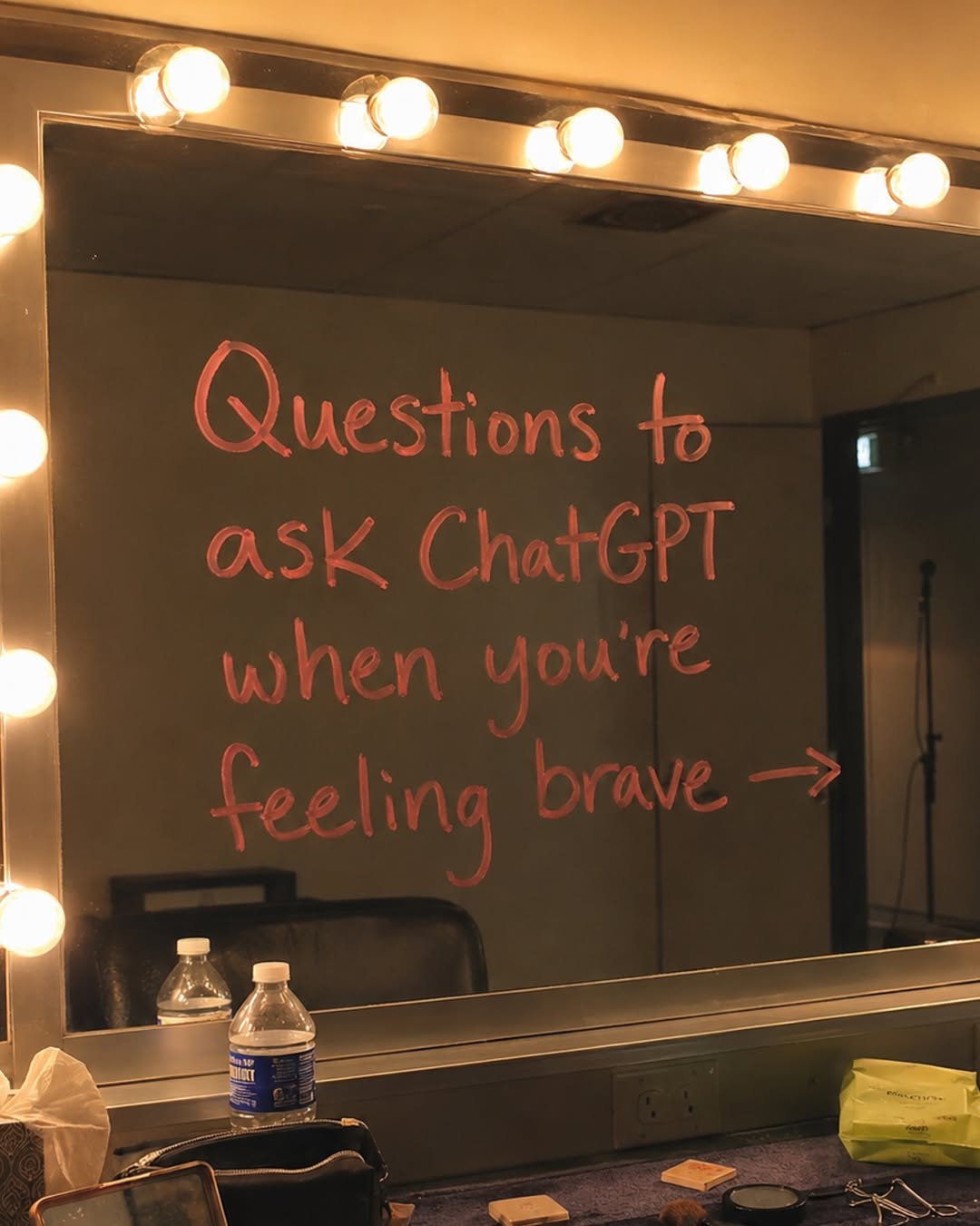
hard truths incoming
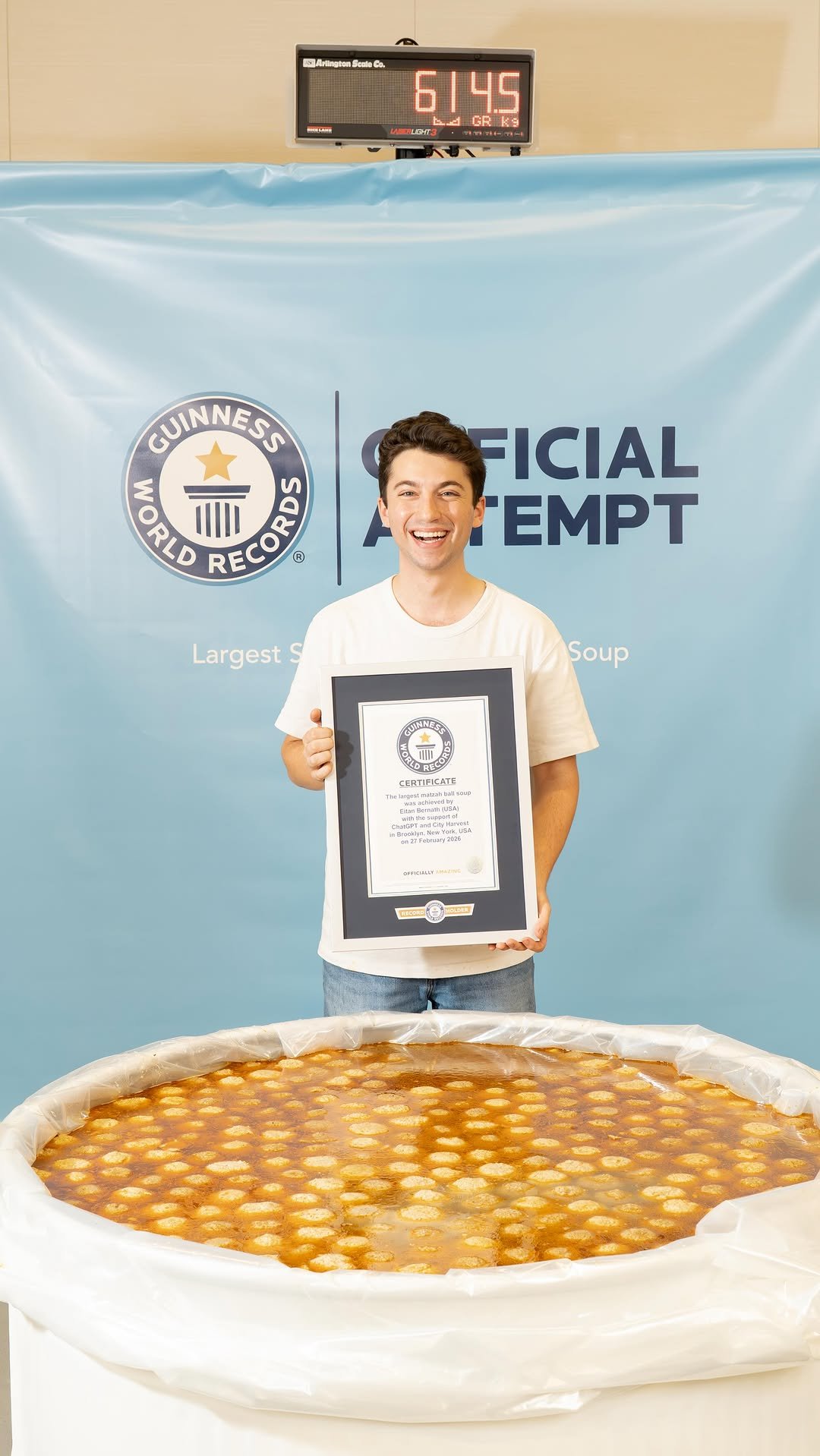
Today I made the World’s Largest Serving of Matzah Ball Soup with some help from @ChatGPT! Weighing in at 1,356 pounds this matzo ball soup was verified by @GuinnessWorldRecords as the biggest ever made! It took me and my team of 8 chefs over 13 hours to pull this off. Some crazy numbers to share are that the soup was made with 120 chickens, 850 hand-rolled matzo balls, 300 carrots, 250 bunches of herbs, just to name a few. I couldn’t have done it without ChatGPT helping me at every step of the process! I used ChatGPT to scale up my family’s recipe to a huge 200 gallon version, to find what kind and where to purchase the right vessel to use as my “bowl” to hold giant soup, locate the largest pots available for purchase on the market, and even to find a professional weight measurement company for the video shoot in the New York area. I have no idea how I would have pulled this off without Chat on my team. Once the final weight of the soup was called, my team and I labeled it all into containers to donate all the soup to @CityHarvestNYC to feed thousands of New Yorkers in need. #ChatGPTPartner
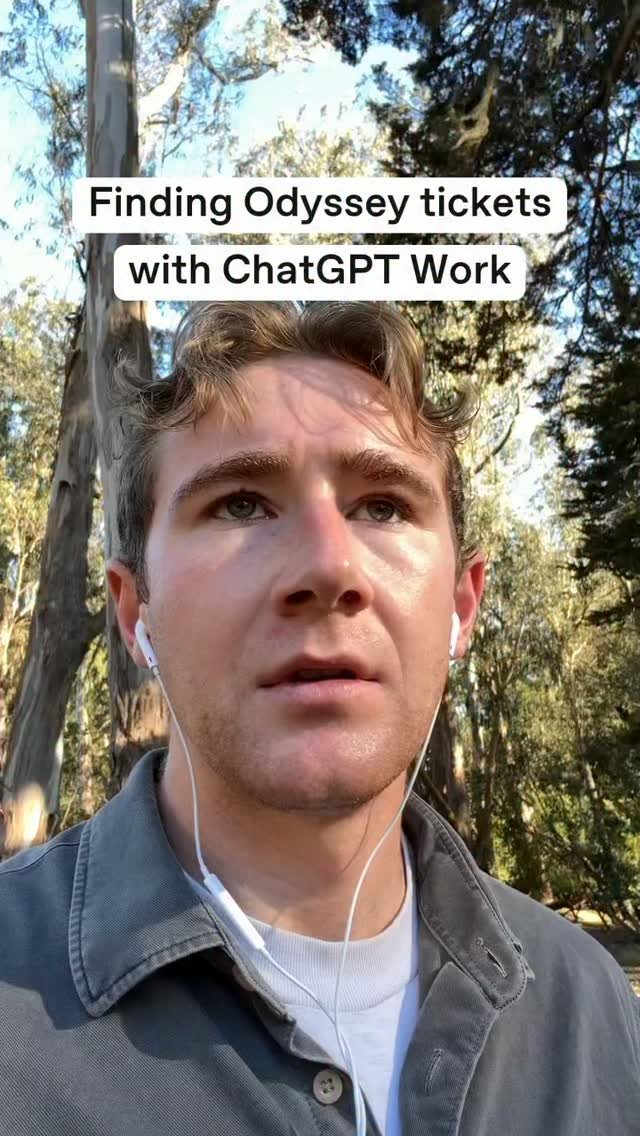
Now it won’t take you 10 years to get tickets
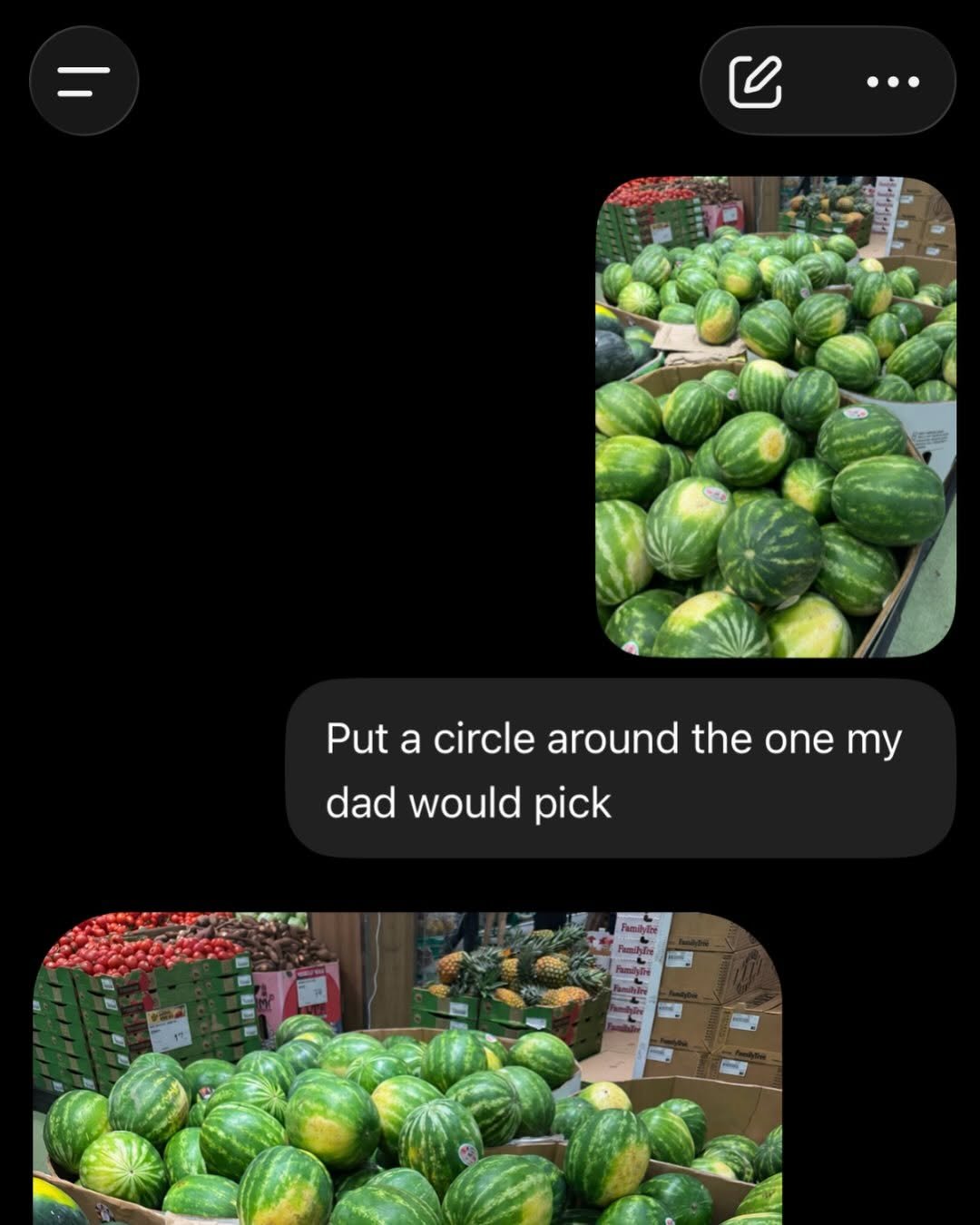
Passed Dad’s inspection
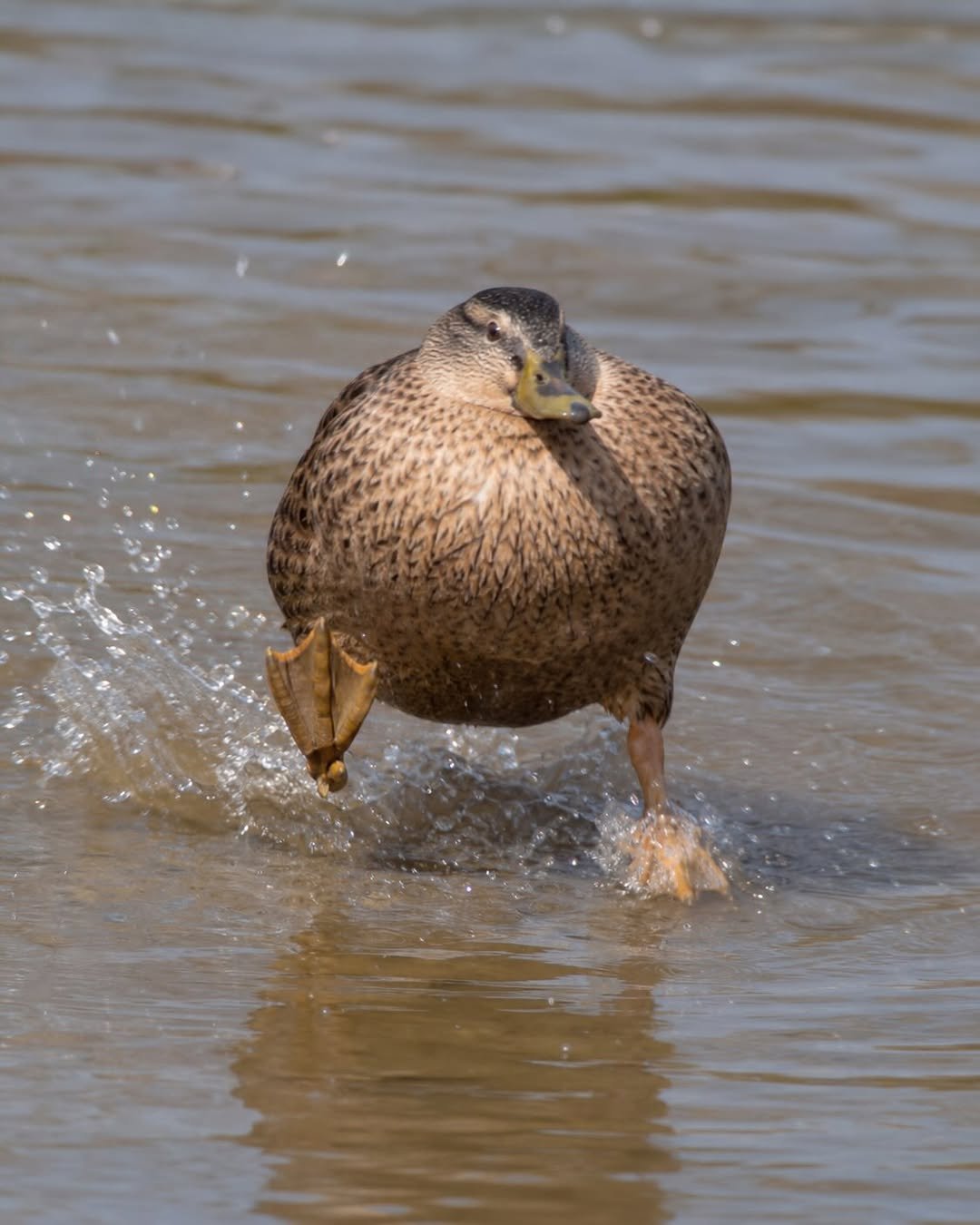
jimothy the raccoon walked so they could all stumble dramatically. meet fredward the duck. Made with ChatGPT Images deremiah waltimus gordothy jerbert
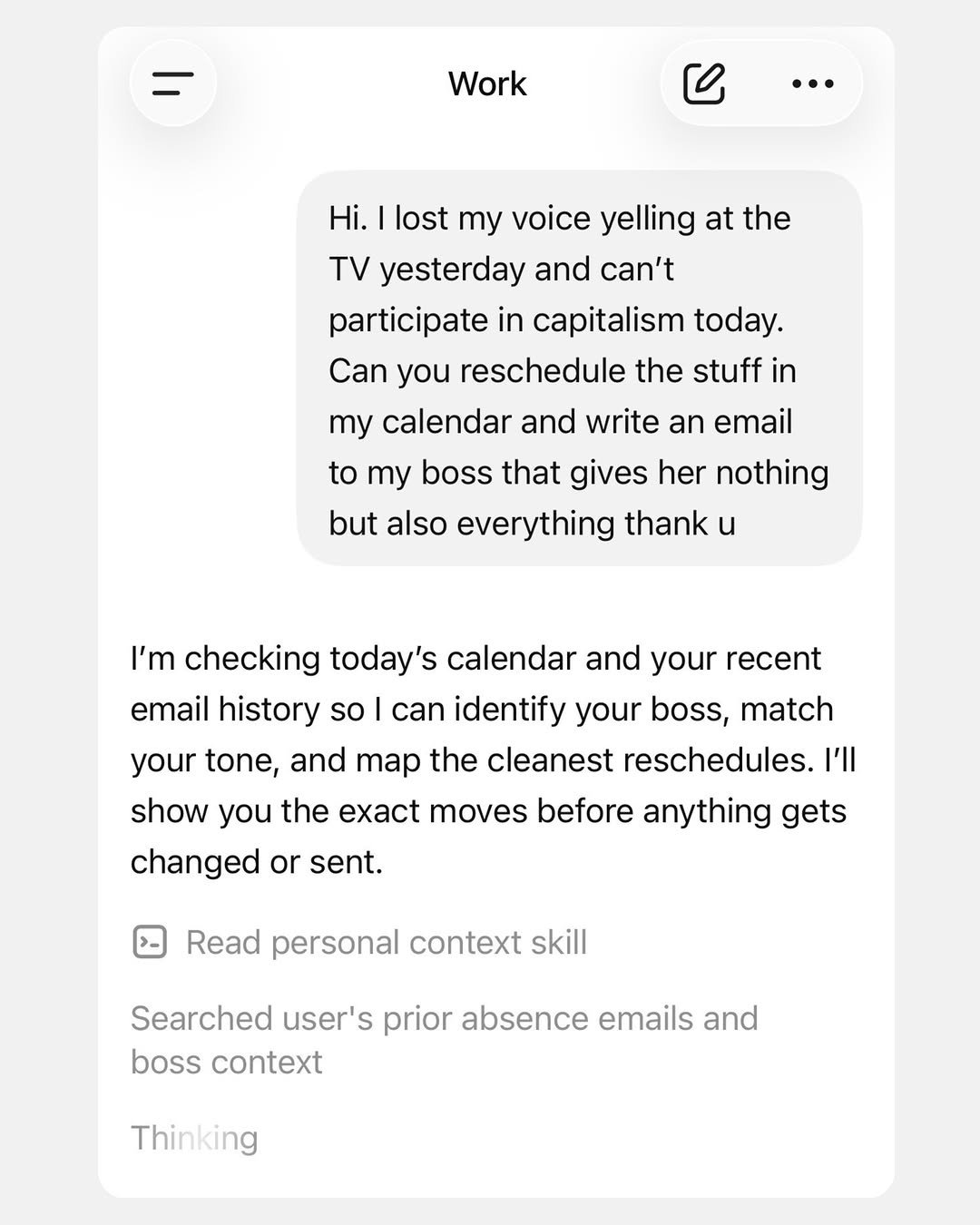
for when you simply cannot
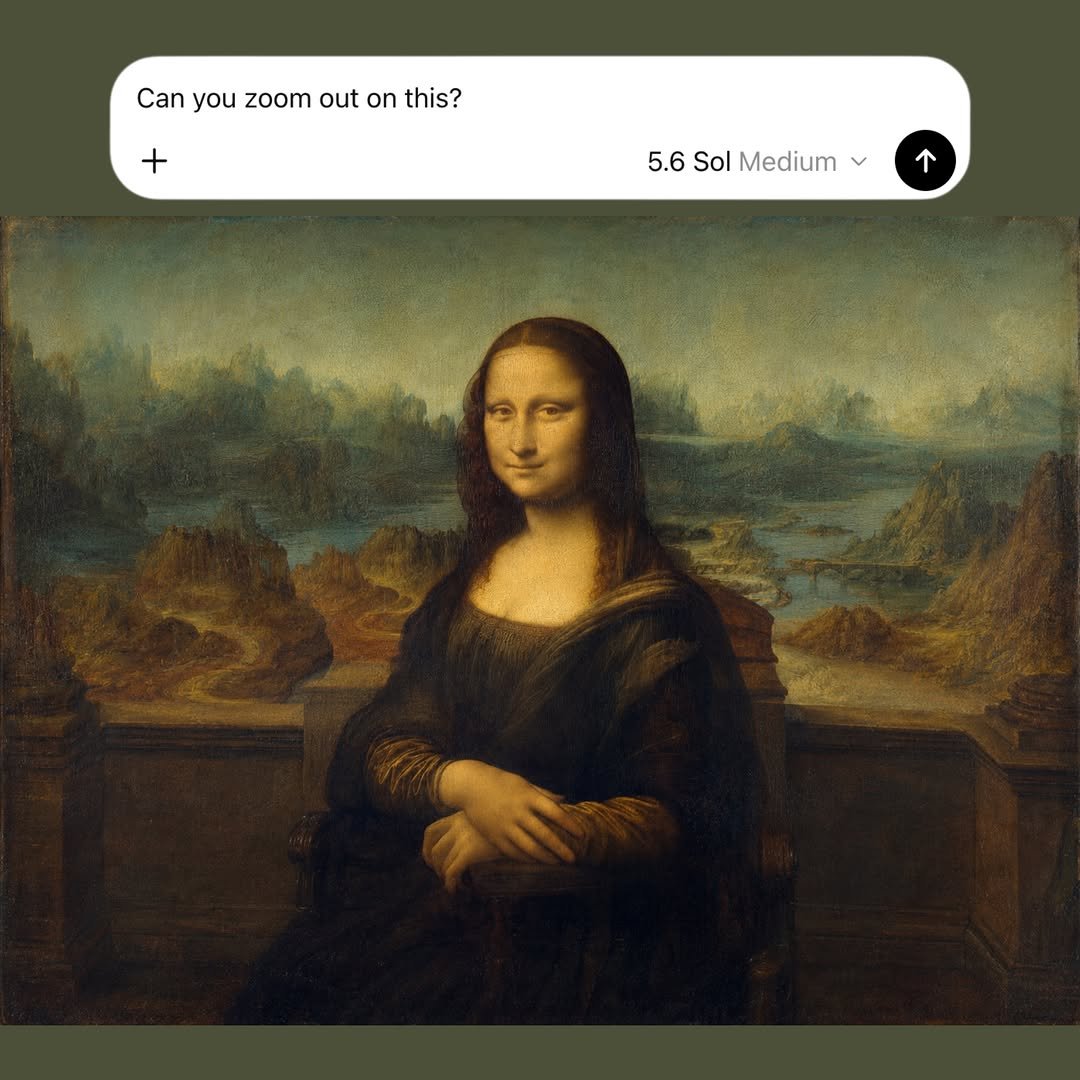
wow who knew
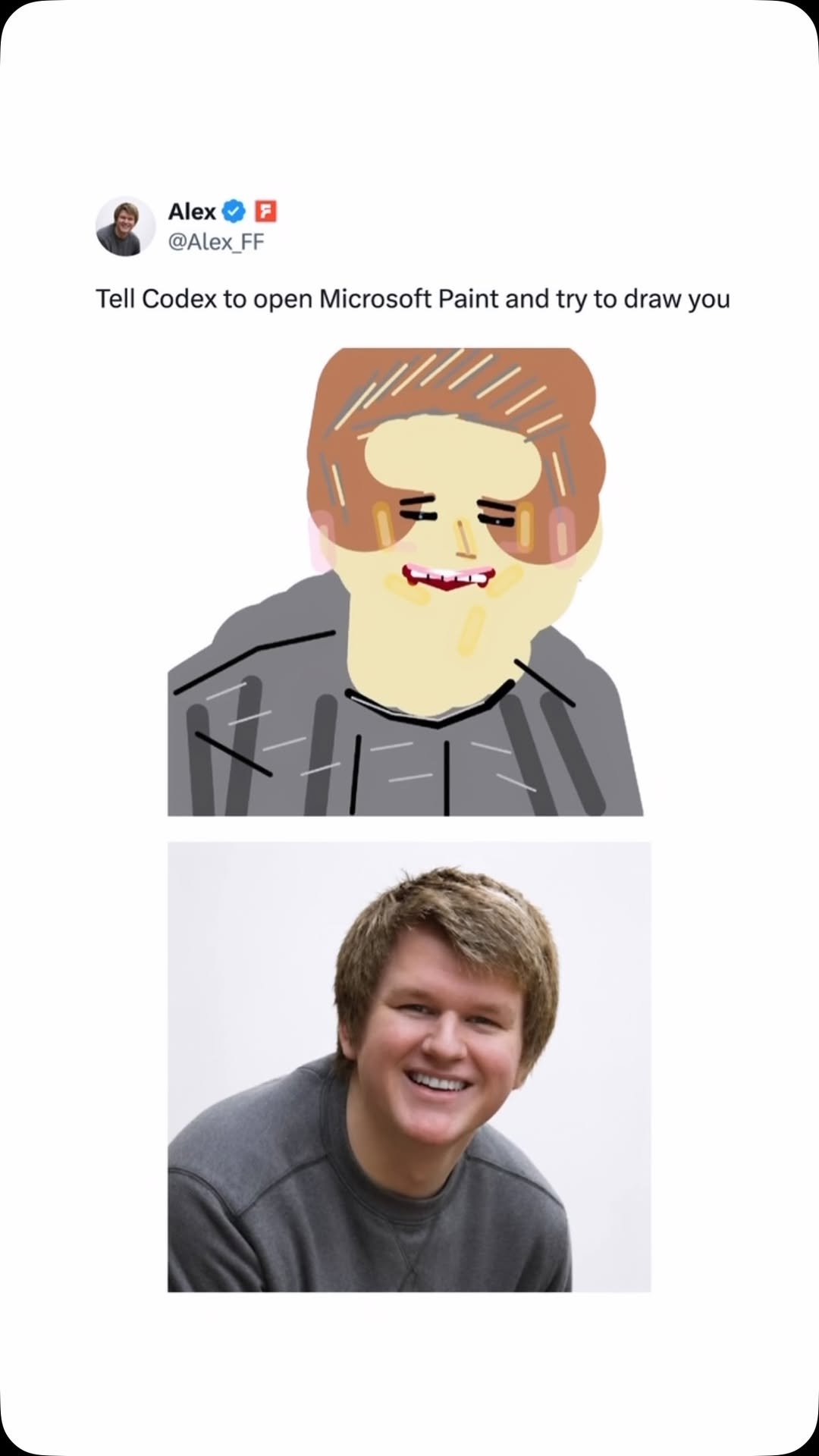
Codex, draw me like one of your prompts via alex_ff/X
dare you

Getting your 2000s digital closet has never been easier

I started Matt Makes because I wanted to build things, travel, and spend more time outside. The funny thing is the bigger this gets, the more time I end up spending behind a laptop dealing with budgets, receipts, planning, and admin work. I’ve been using @chatgpt to help organize some of that so I can get back to doing what I actually enjoy. Less spreadsheets. More adventures. #chatgpt_partner